
P Shape

Same Height, Same Width, Same Size

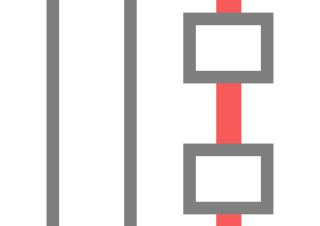
PowerUpKit offers many convenient features. Among them, Same Height, Same Width, and Same Size are functions you may want to use every day. As the names suggest, simply clicking the icon allows you to make the height or width, or both, of the shapes the same.
P Shape

Rectify

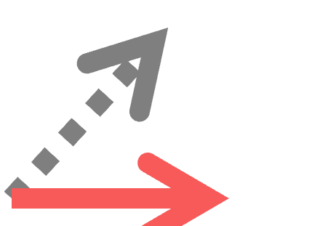
This feature straightens the selected shapes. This feature is particularly effective for arrows and lines and is essential for creating a neat PowerPoint presentation.
P Shape

Allocate Vertically

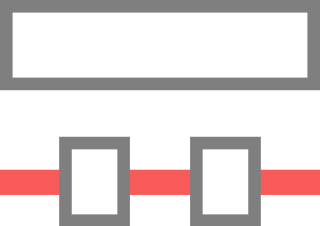
This feature aligns subsequent shapes vertically based on the height of the initially selected shape. Seeing is believing. Let's show you how to use it right away!
P Shape

Allocate Horizontally

This feature aligns subsequent shapes horizontally based on the width of the initially selected shape.Seeing is believing.Let's show you how to use it right away!
P Shape

Same Adjustment

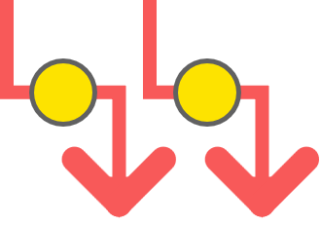
With Same Adjustment, you can align the positions of adjustments (the orange circles on shapes). When using multiple Arrows, you can also perfectly align the positions of the bends. Additionally, you can make rounded shapes have the same shape.
Blog

New Version v1.2.1 Released!

In this version, we have added the feature to call Power Up Kit commands from a small Console Window. You can hide the ribbon and enjoy a larger screen while comfortably creating PowerPoint presentations!
P Shape

Command Console

This feature overlays a small console on PowerPoint. By clicking on any of the 24 icons in this console, you can call the features necessary for aligning shapes. You can hide the PowerPoint ribbon and work on a larger screen while neatly aligning shapes!
Blog

Introducing Upcoming Features: May 26, 2024

We are developing a feature that allows you to change all the sizes and positions in the right pane. This will enable you to work on a larger screen without switching to the top pane in PowerPoint.
Blog

Introducing Upcoming Features: May 10, 2024

Currently, we are developing new features. One of them is a feature that allows adjustment of adjustments. You will be able to align arrows neatly. Also, the shortcut settings console is scheduled to become cool.
Blog

New Version v1.1.0 Released!

New Version v1.1.0 Released
Copied title and URL