



Let me introduce you to the Rectify feature on the P Shape tab.
This feature straightens the selected shapes.
This feature is particularly effective for arrows and lines and is essential for creating a neat PowerPoint presentation.
Seeing is believing.
Let’s show you how to use it right away!
How to Use
- Select one or more shapes in your PowerPoint presentation.
- Clicking the Rectify icon will straighten the selected shape.
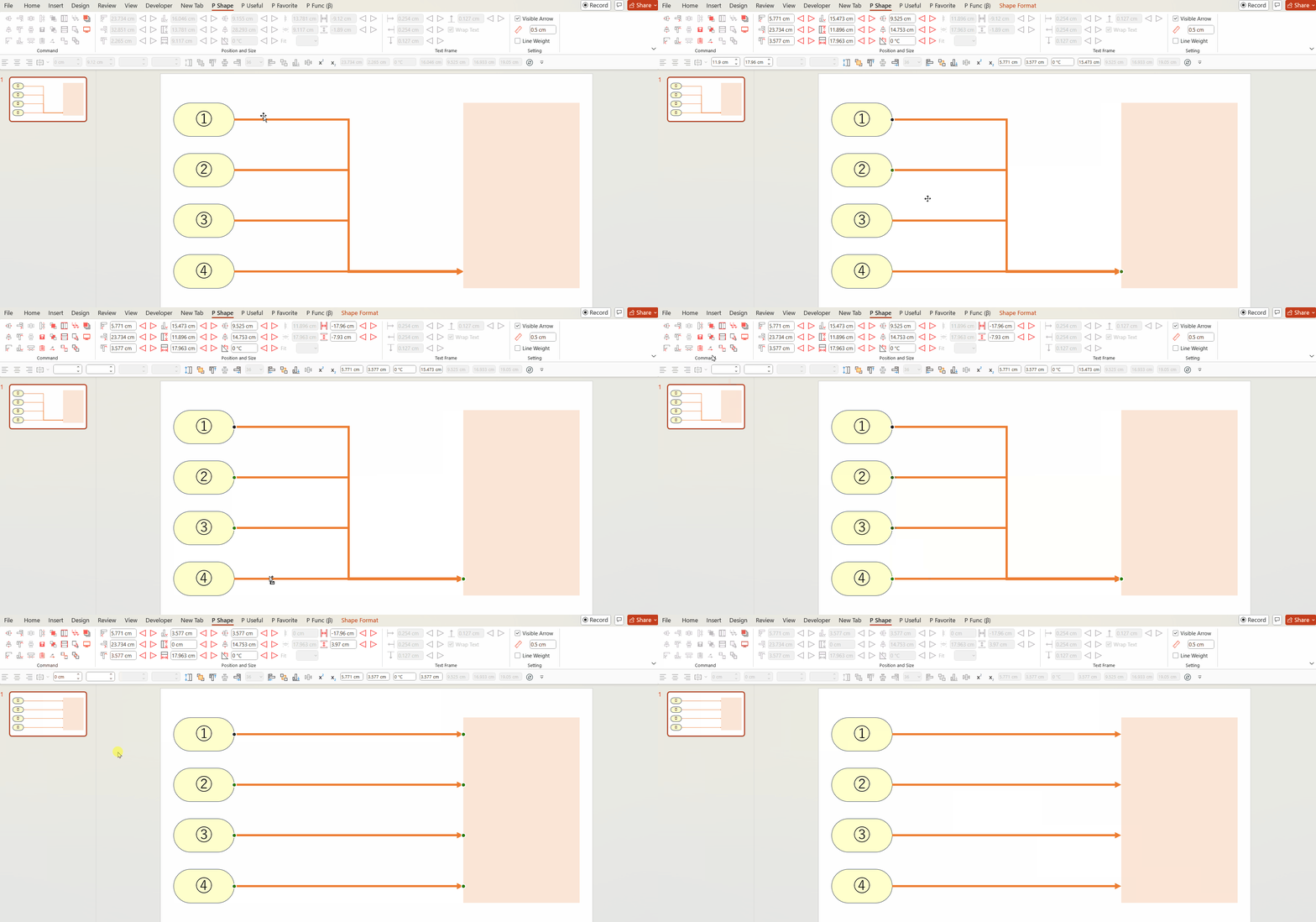
Please refer to the GIF image below.
First, select four arrows (it also works with shapes like rectangles).
When you execute Rectify, all the selected arrows will be straightened!
This is a highly frequently used feature!
Please make the most of it.
You can download the Power Up Kit from here.


Comments