


Let me introduce you to the Circulate features on the P Shape tab.
After finishing creating a slide, there are often many times when you want to rearrange the positions of shapes.
In such cases, you would typically use the mouse to rearrange shapes.
With Power Up Kit, you can simply click on the icon without touching the mouse.
How to Use
- Select multiple shapes.
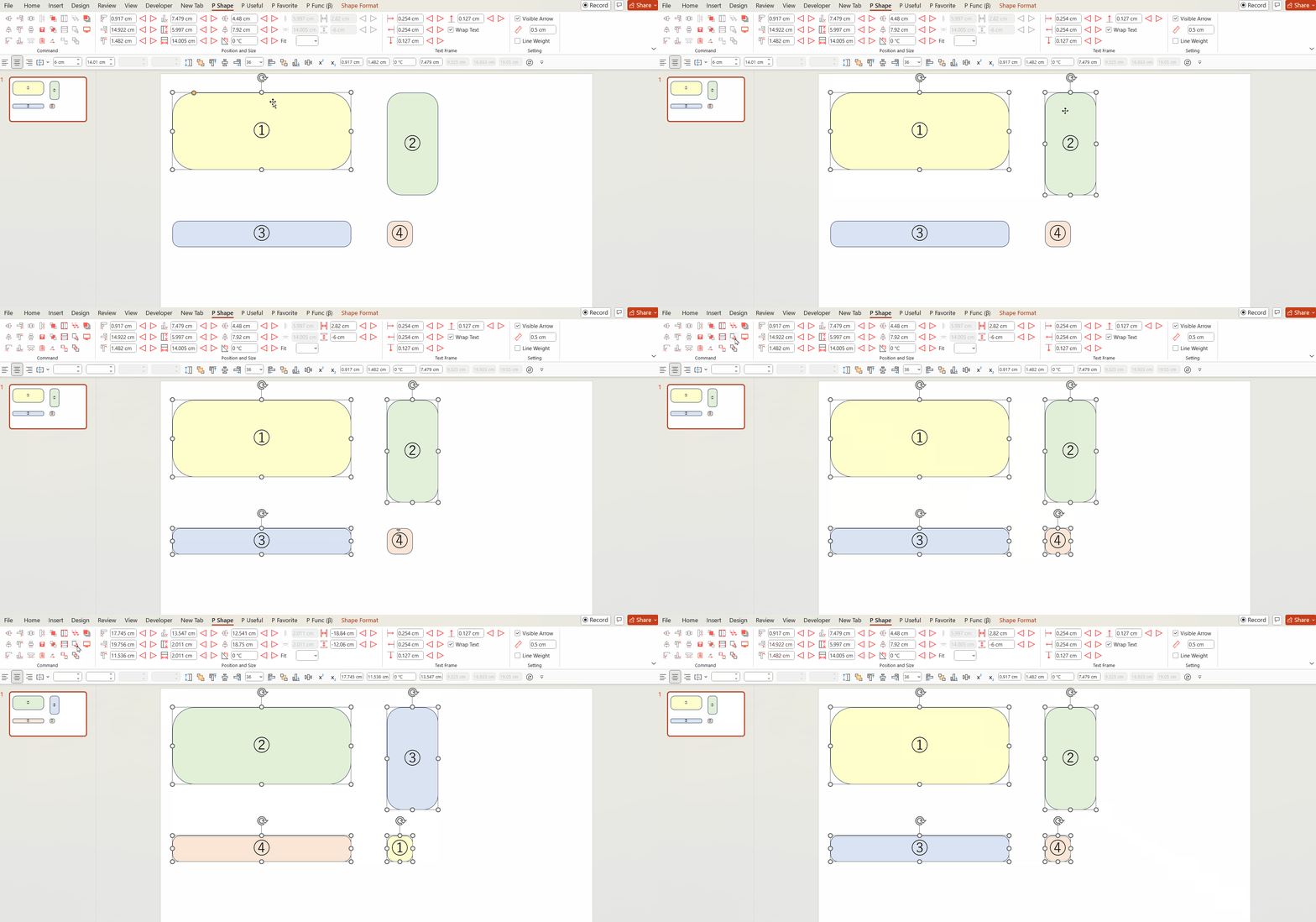
- When you click the icon, the positions and sizes of the shapes will swap in the order they were selected.
Please refer to the GIF image below.
If you select shapes ① to ④ and click the Circulate Size and Position icon, the positions and sizes of the shapes will rotate like this.
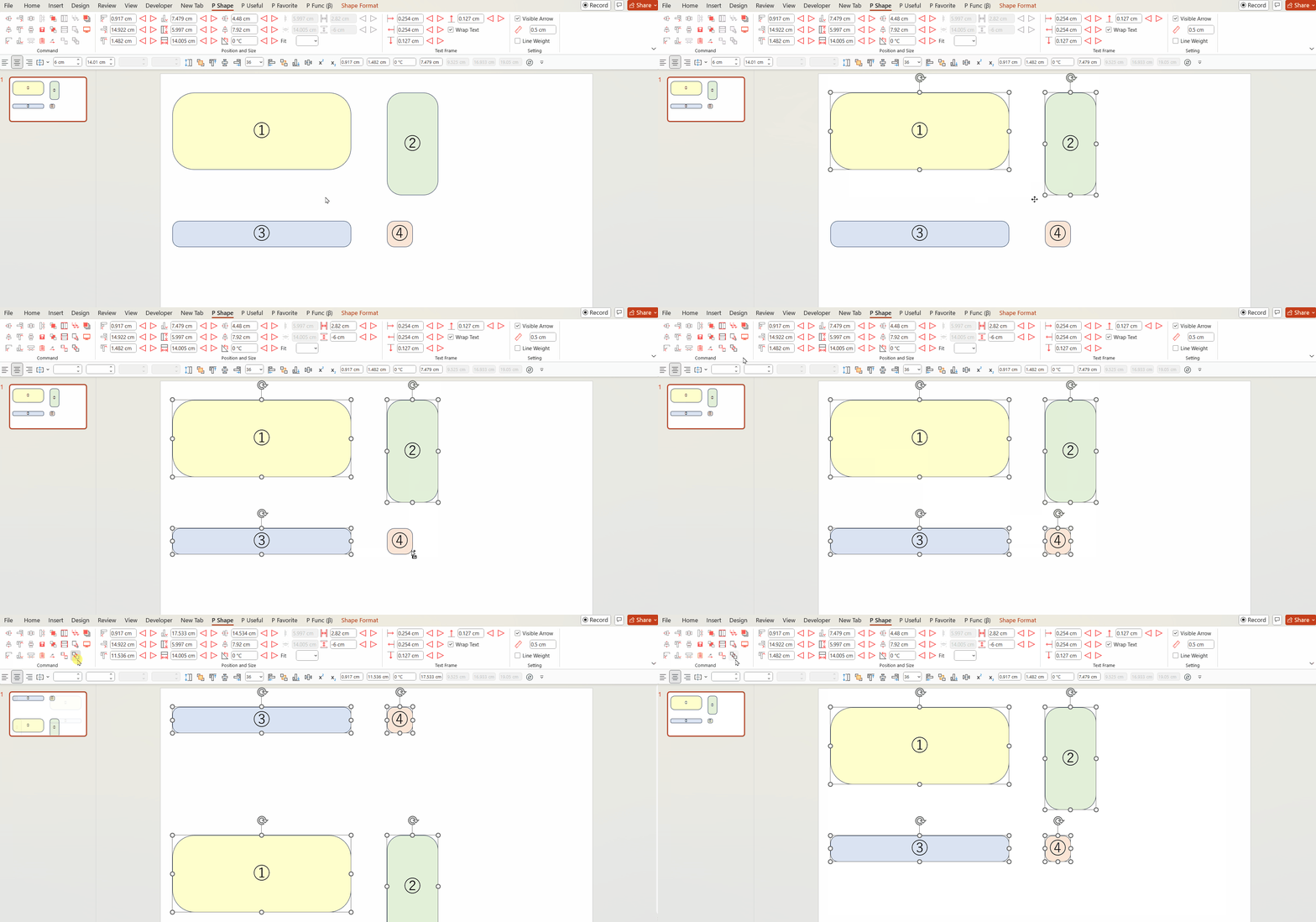
Clicking the Circulate Position icon will swap only the positions while leaving the size unchanged. In some cases, this may be preferable.
When creating slides, saving time is always important. With this feature, we want to ensure that we don’t waste your valuable time.
Please make the most of it.
You can download the Power Up Kit from here.


Comments