


Let me introduce you to the Same Size features on the P Shape tab.
PowerUpKit offers many convenient features.
Among them, Same Height, Same Width, and Same Size are functions you may want to use every day.
As the names suggest, simply clicking the icon allows you to make the height or width, or both, of the shapes the same.
How to Use
- Select multiple shapes.
- Clicking the icon makes the height, width, or both of the selected shapes the same as the initially selected shape.
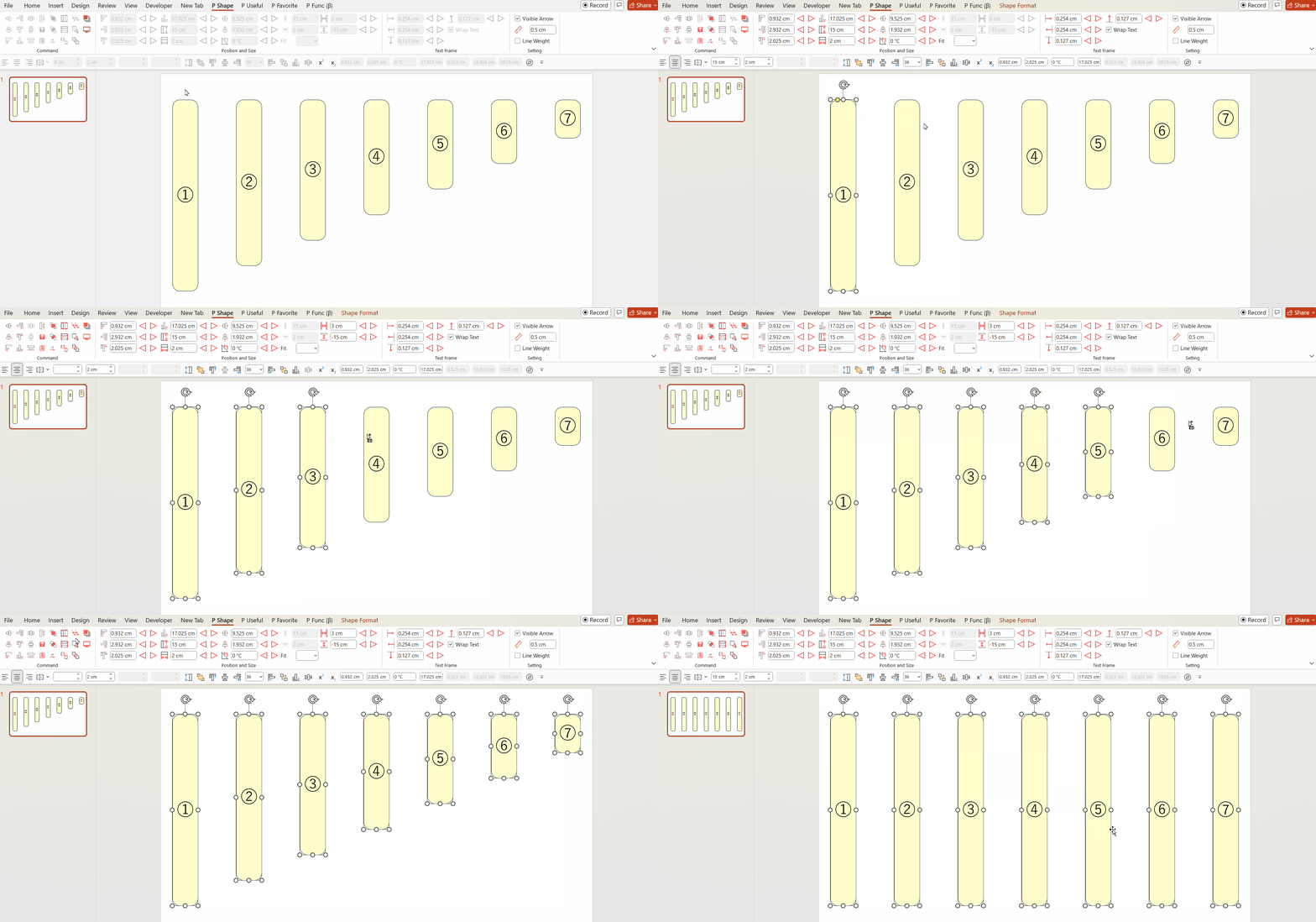
Please refer to the GIF image below.
Here, we used the Same Height feature to align the heights of shapes ① to ⑦.
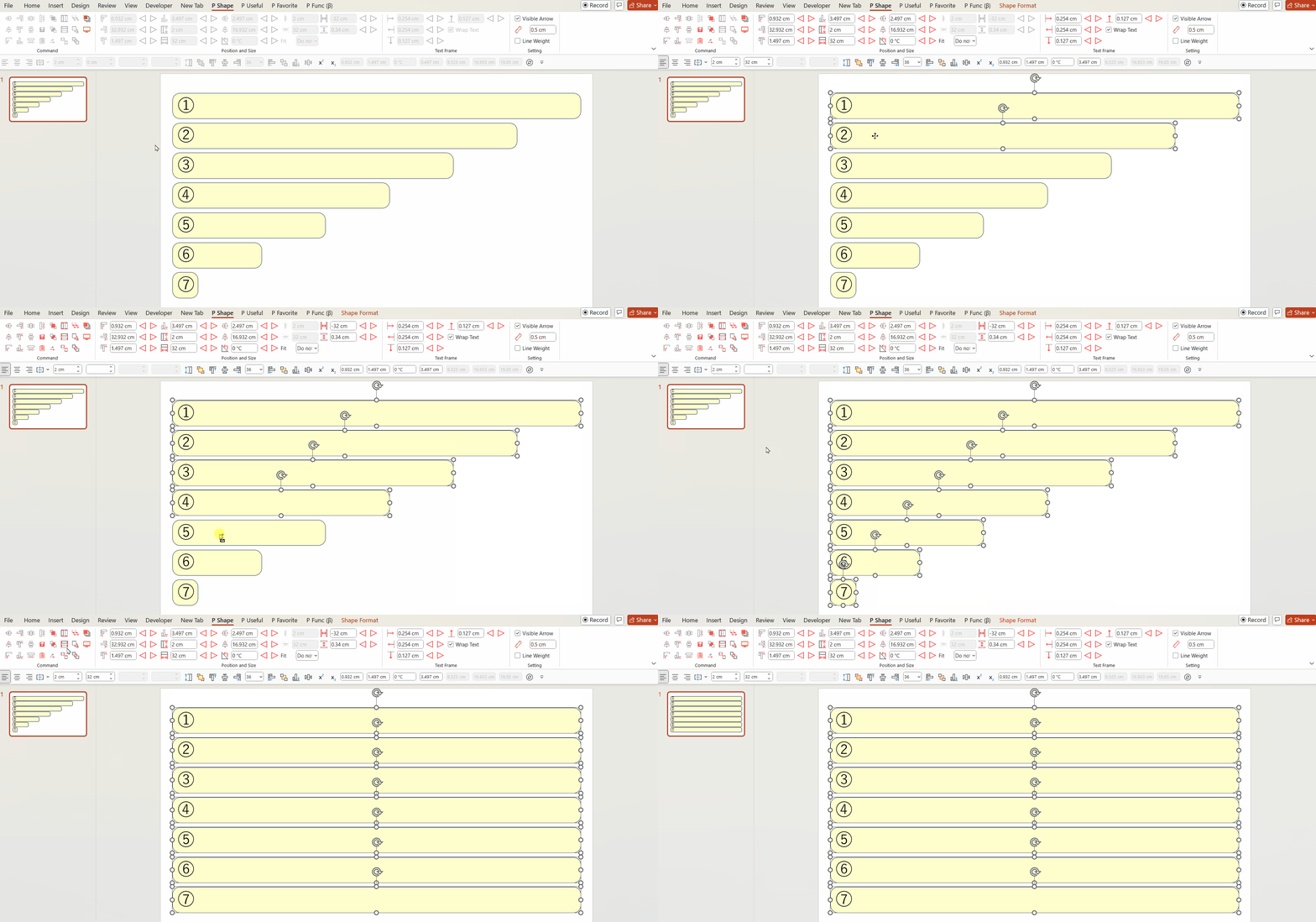
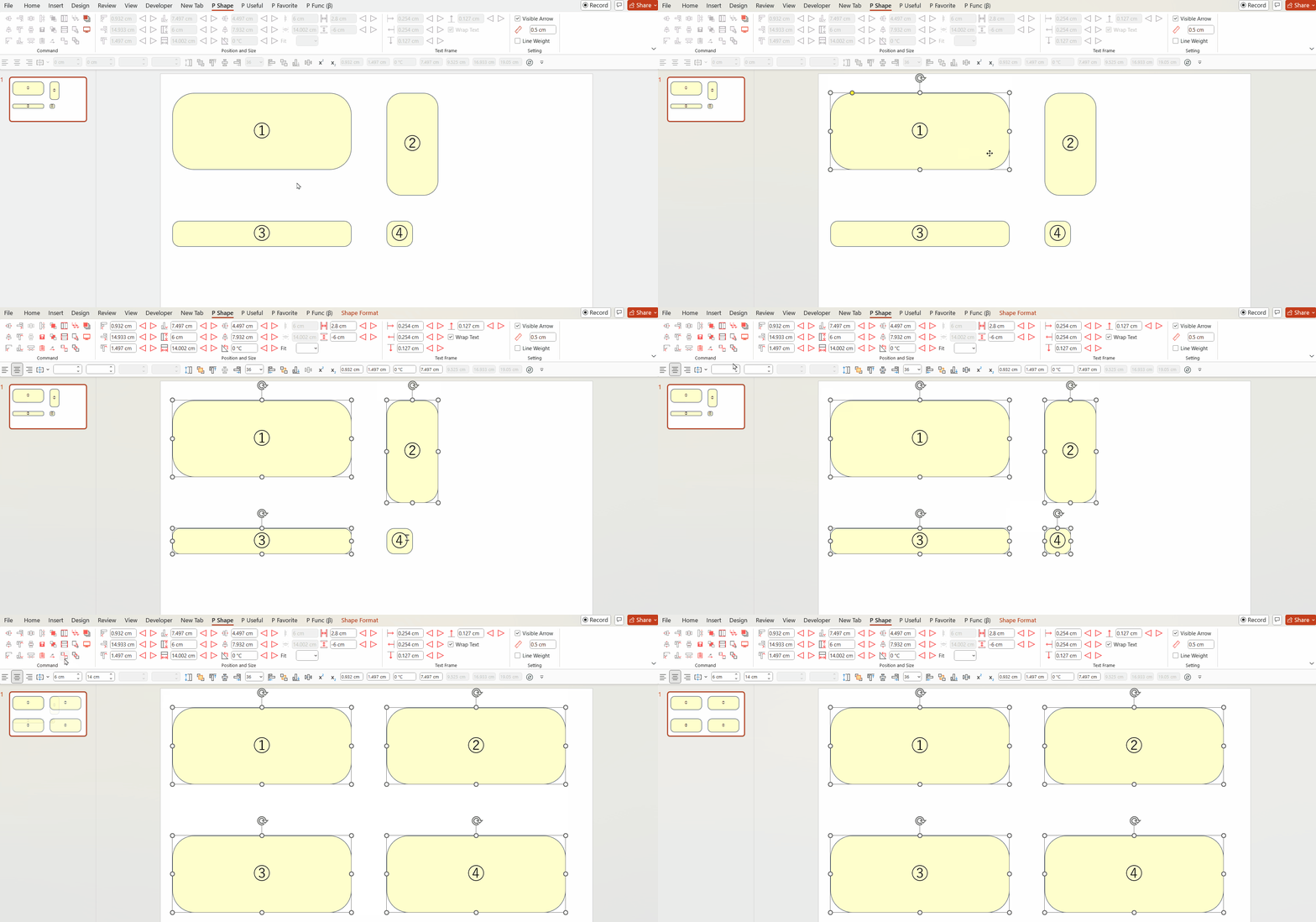
Similarly, by using the Same Width feature, you can align the widths, and by using the Same Size feature, you can align both the heights and widths.
The amount of time we have spent resizing our shapes with the mouse must be enormous!
Even a small feature like this could save us a lot of time if we were to use it every day!
Please make the most of it.
You can download the Power Up Kit from here.


Comments