


New Version v1.4.1 Released!
In the new version, we have added two new features to the VSTO add-in.
The first feature displays the Left and Top positions. You can also adjust these positions by pressing arrows.
Please check the download and installation methods at the provided link!
How It Works
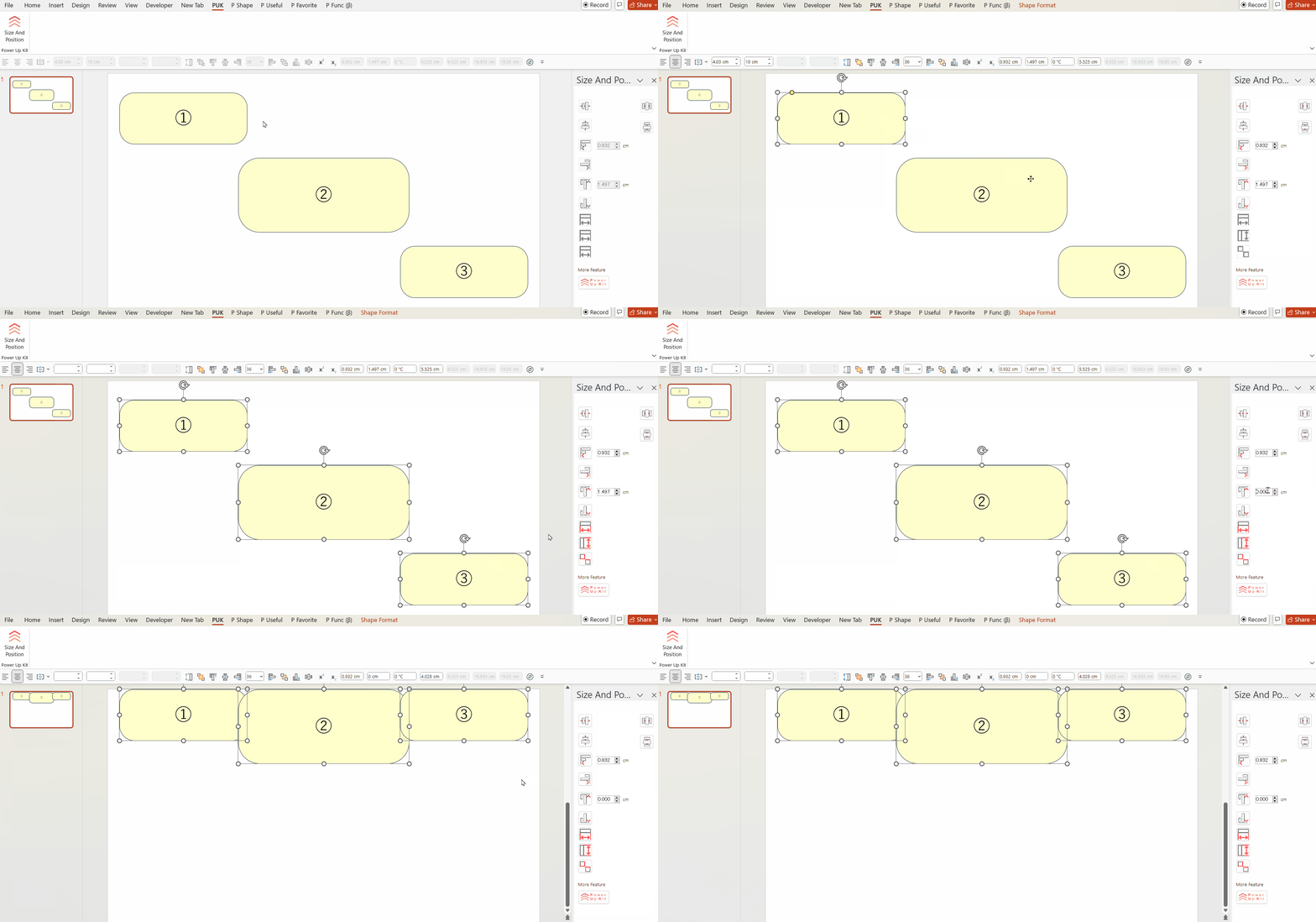
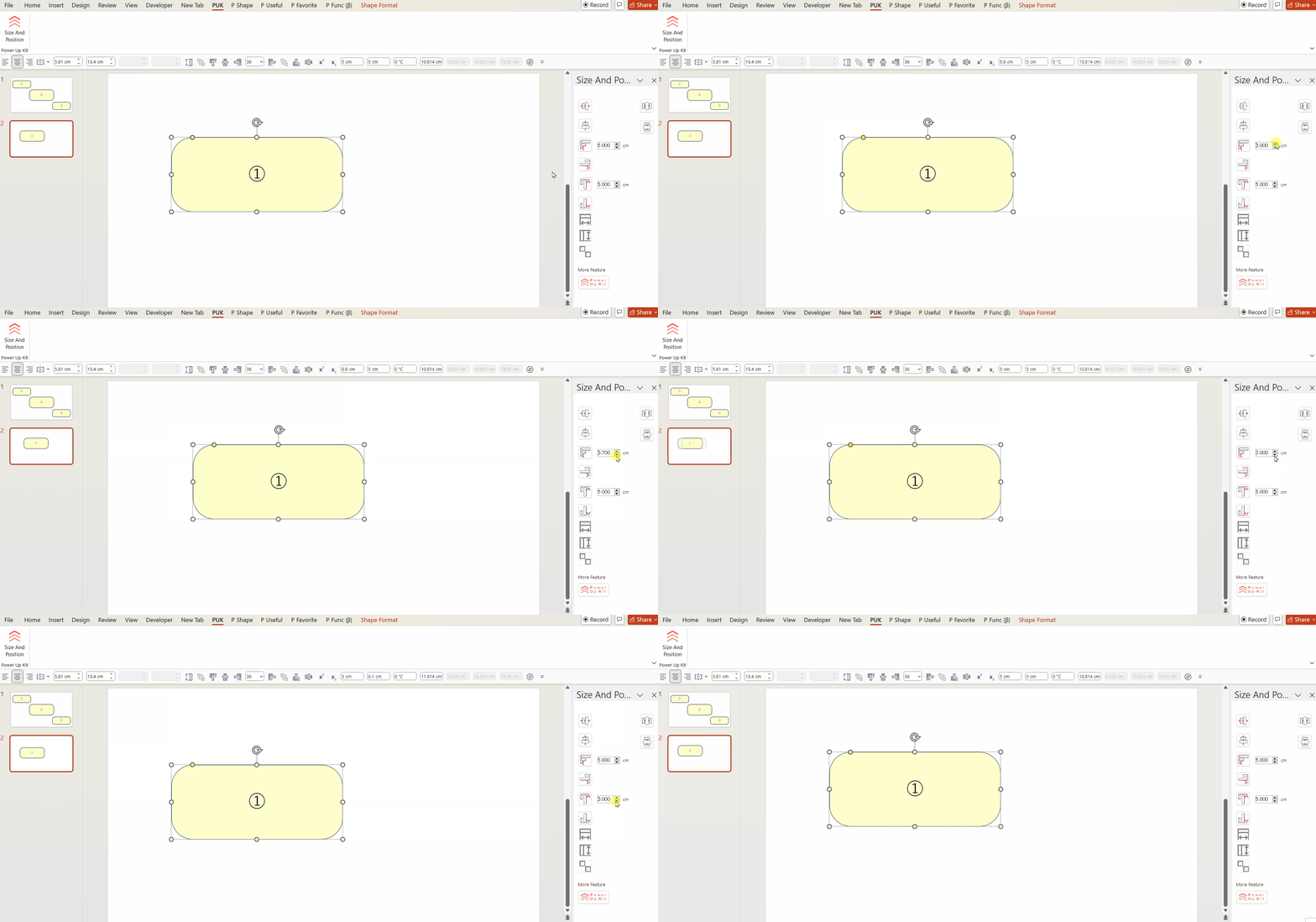
When a Shape is selected, the Left and Top positions appear in boxes on the right pane.
You can either enter numbers directly into the boxes or use the arrows to adjust the values by 0.1 cm increments.
As expected, when the values in the boxes change, the position of the Shape changes as well.
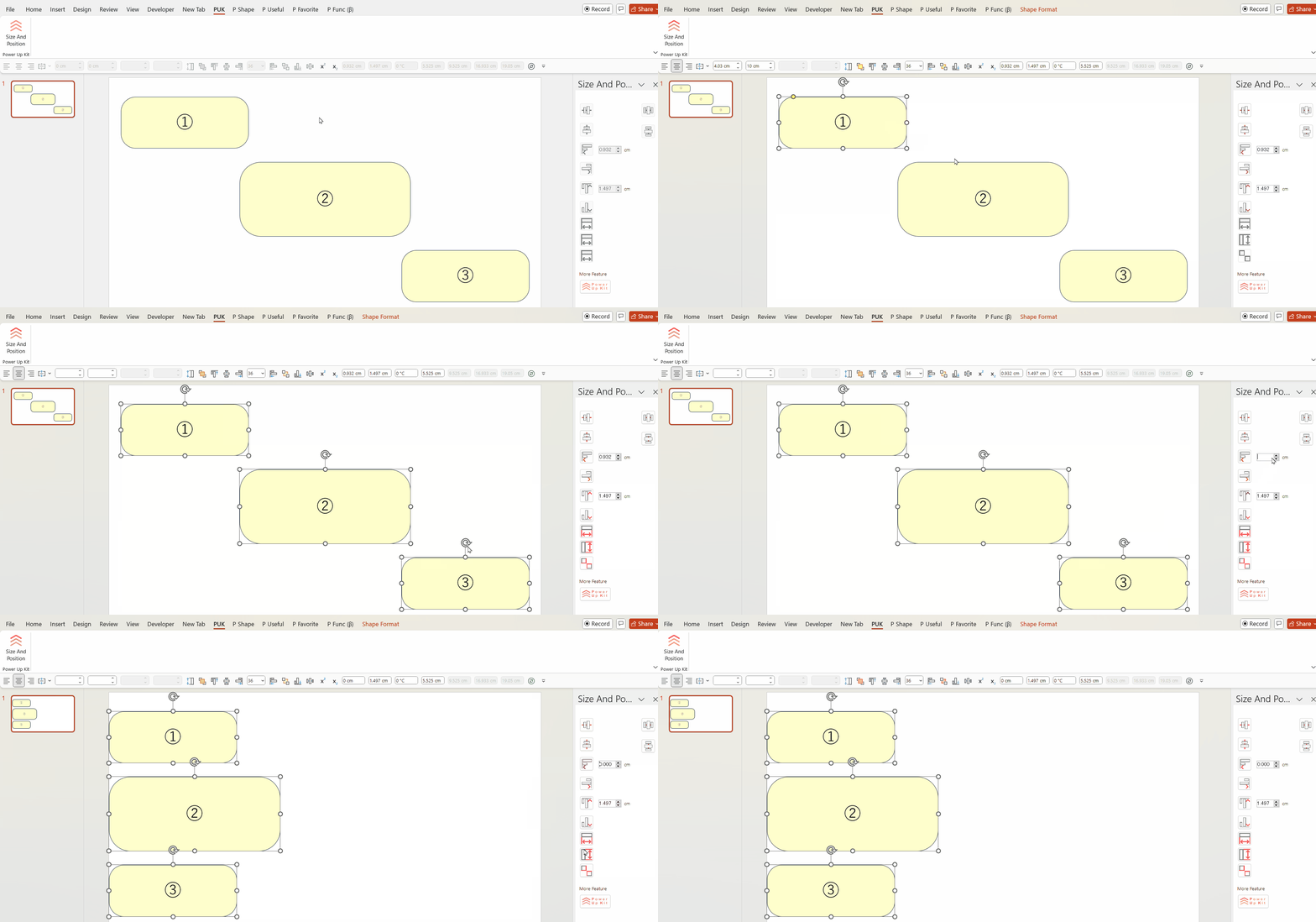
It’s surprisingly convenient—a feature you might wonder how PowerPoint ever did without!
Combined with the buttons in the same pane (which can align Shapes to the top, bottom, left, or right), it is an extremely useful feature.
Please give it a try!
To continue our activities, we always welcome shares on social media and donations.


Comments