


This feature overlays a small console on PowerPoint.
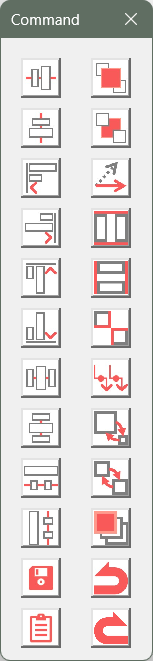
By clicking on any of the 24 icons in this console, you can call the features necessary for aligning shapes.
You can hide the PowerPoint ribbon and work on a larger screen while neatly aligning shapes!
How to Use
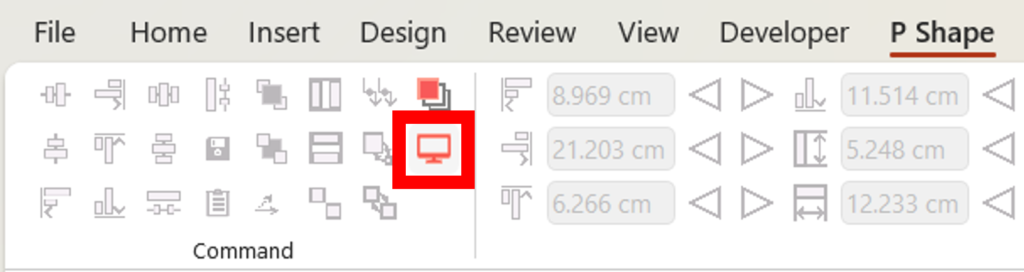
1. First, please press the icon for the console in the P Shape tab.
2. A small console should appear on the screen.
Please refer to the GIF image below.
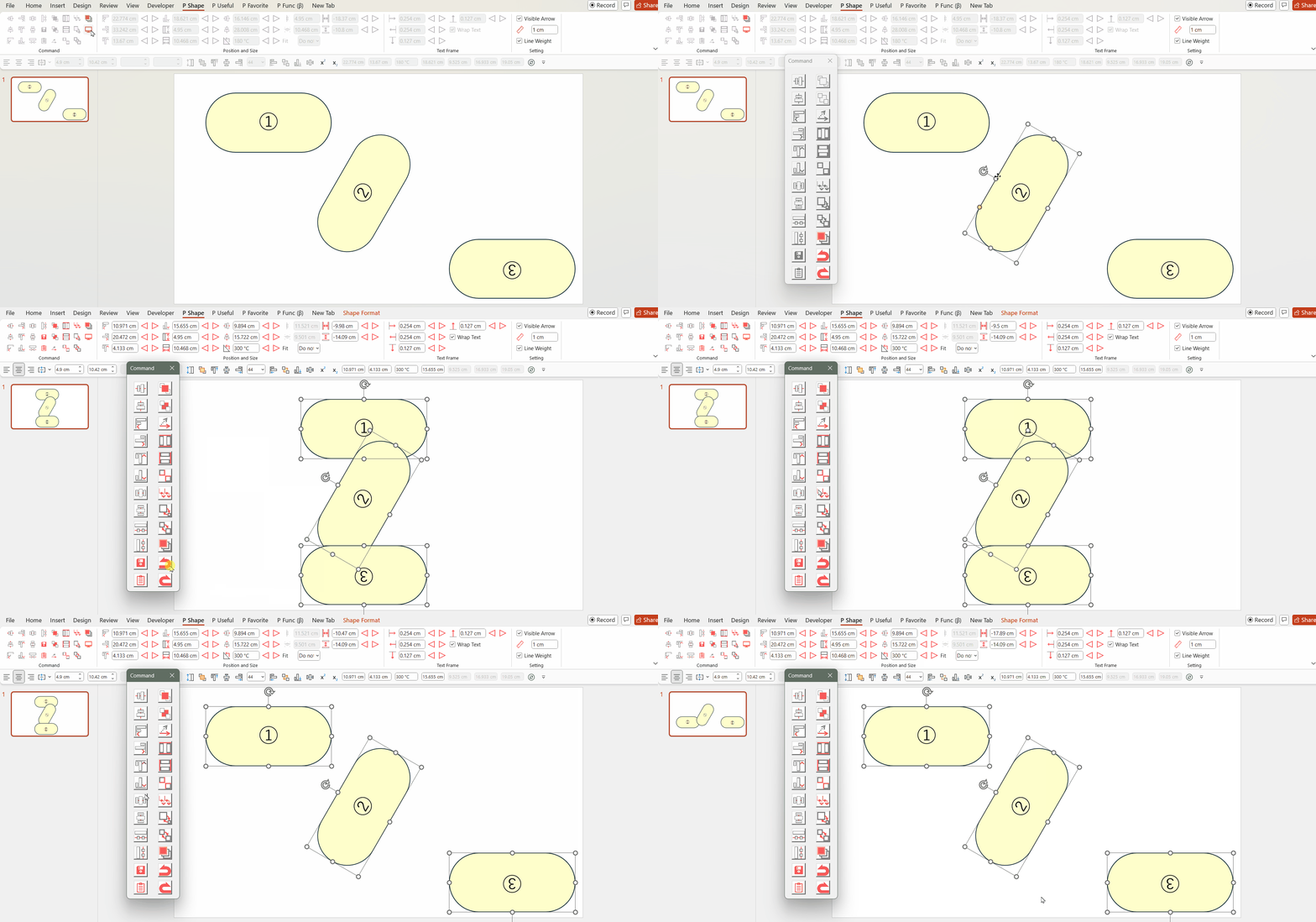
Pressing the buttons on the Command Console aligns shapes neatly.
Please make the most of it.
You can download the Power Up Kit from here.

Comments